

These shipped in chmonitor v0.3.4. This post was the preview
while they sat on main and dash.chmonitor.dev.
Tools, at the end of Main
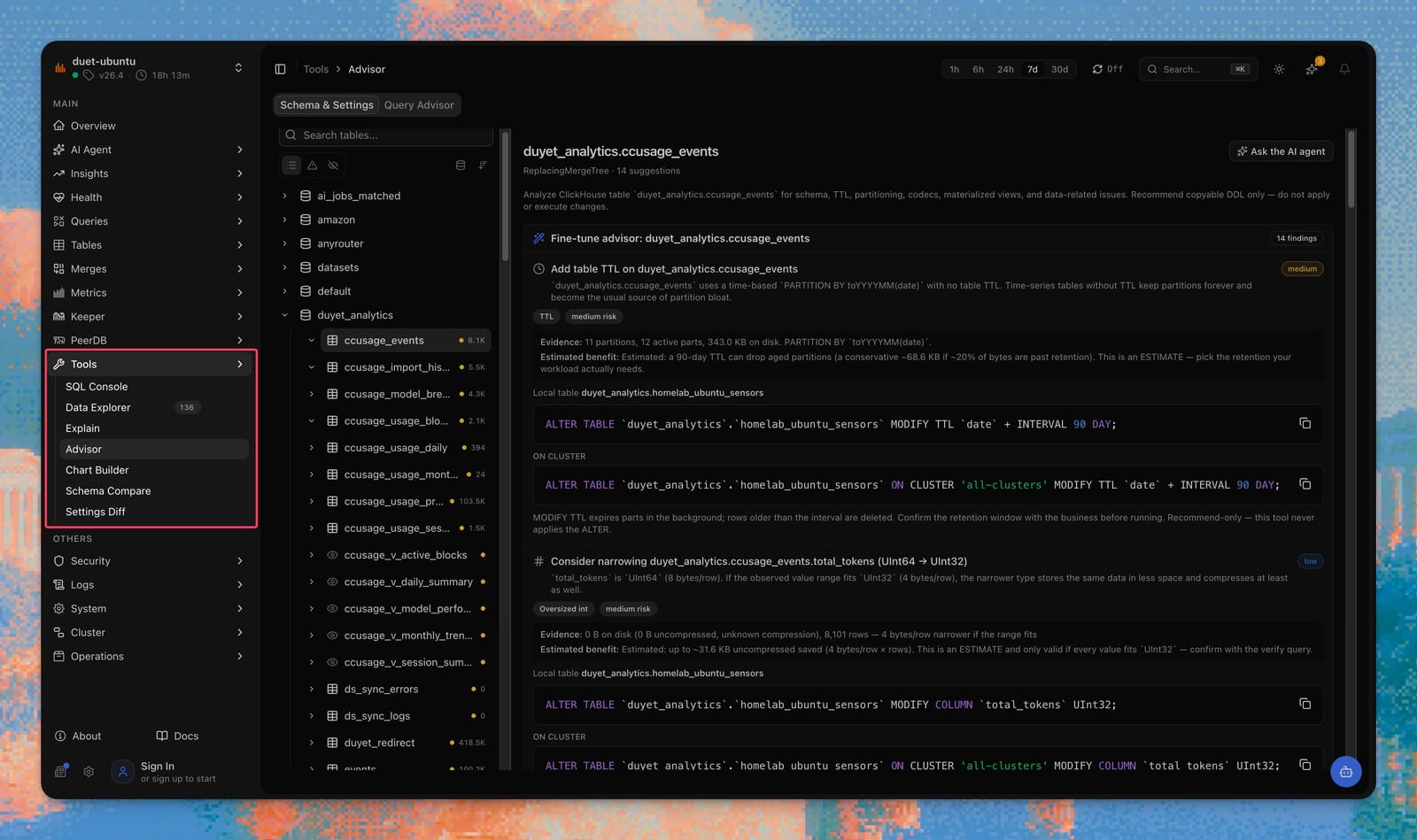
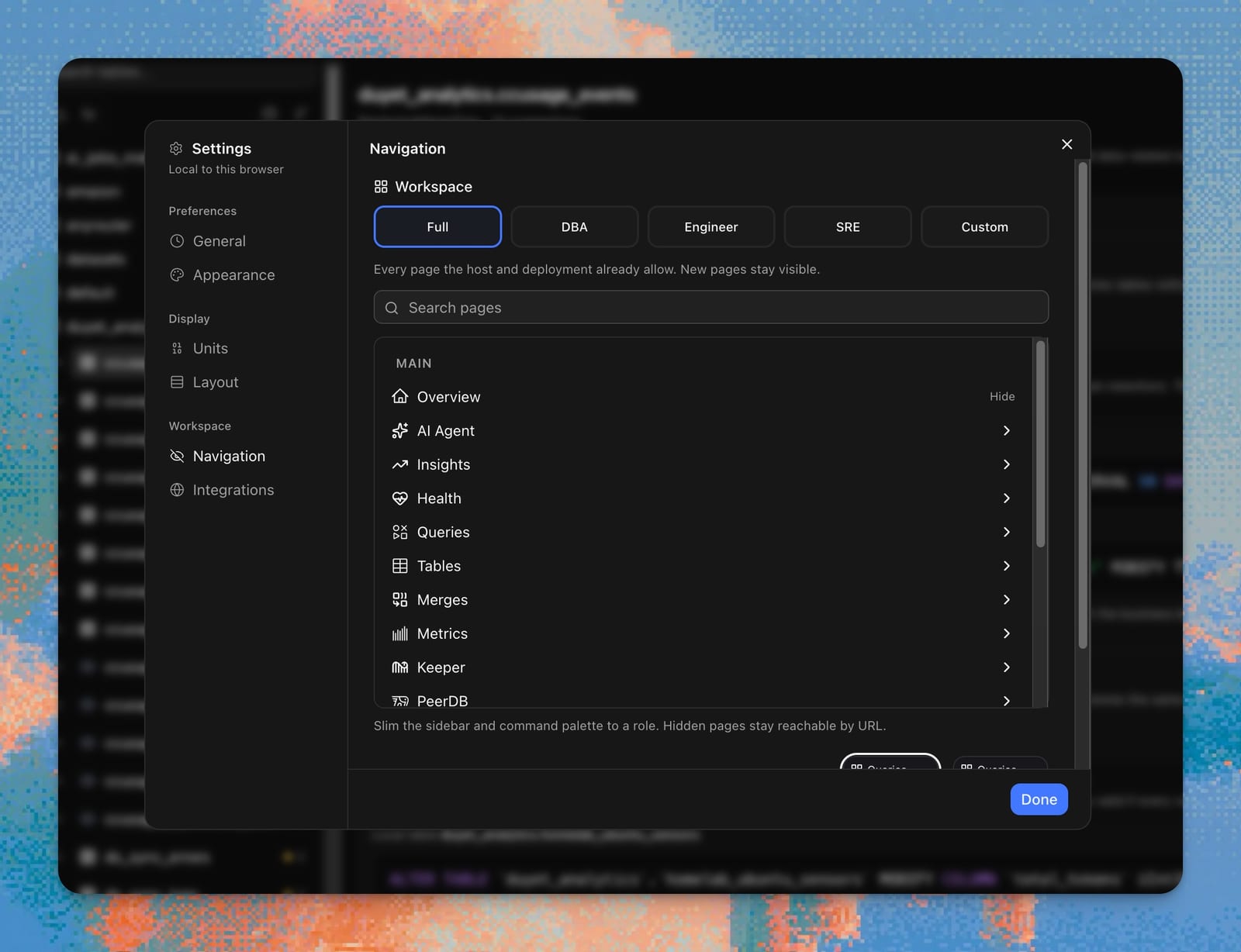
Interactive work used to live under Queries, Tables, and Operations. It now lives in Tools — last group in Main, after Logs.
SQL Console, Data Explorer, Explain, Advisor, Chart Builder, Schema Compare, Settings Diff. AI Agent stays its own group. Postgres hosts do not see Tools (ClickHouse-family only).
The longer write-up is A DBA, an SRE, and an engineer should not share a sidebar.
Schema Compare and Settings Diff
DBA workflows is the map.
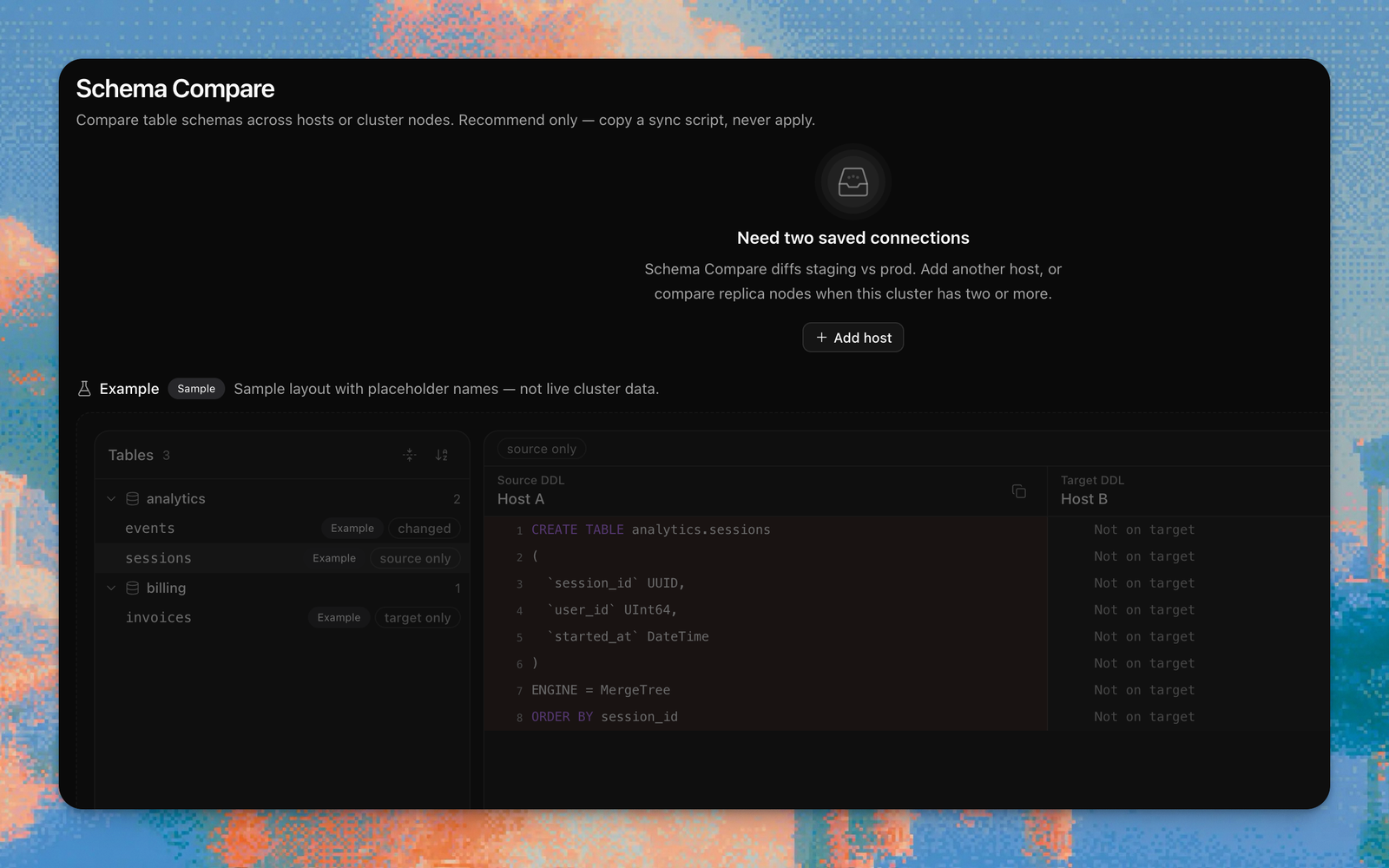
Schema Compare (/schema-diff) diffs CREATE TABLE across saved connections
or replica nodes. One host is not enough — add a second, or compare nodes on
this cluster. The plan is copy-only. Advisor findings can also emit a local
statement plus an ON CLUSTER variant when topology is known.
Settings Diff (/settings-diff) diffs system.settings and
system.merge_tree_settings. Filter to differences, or to values changed from
default. When every setting matches: green check, All matched, then All
to list them anyway.
What’s new, next to Settings
The newspaper icon next to the Settings gear opens What’s new — notes from
docs/whats-new/ for each tagged version, newest first. It auto-opens once
after an upgrade.
Also on this train
- TTL and partition health at
/ttl-partition-health— inventory, not just move history on Storage Economics. - Schema lint on Explorer table Overview (same recommend-only engine as Advisor).
- Self-hosted commercial licenses — host-count invoice, no key in the binary.
- Advisor: copyable local vs
ON CLUSTERDDL.
Related
- Release: chmonitor v0.3.4
- Customize the dashboard
- Docs: DBA workflows, Settings