

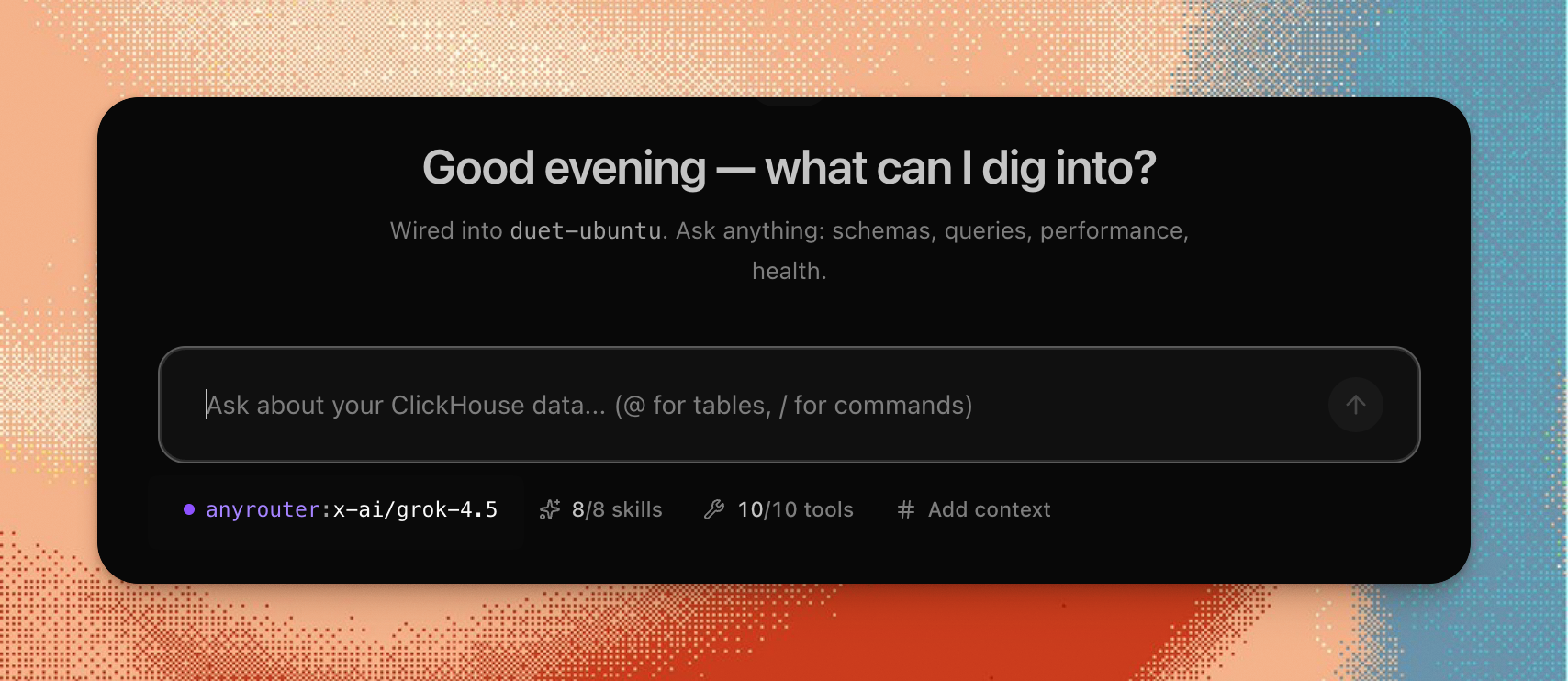
The chmonitor AI agent now supports Grok 4.5 (x-ai/grok-4.5). It shows up
in the model picker alongside the rest of the roster, over OpenRouter and
AnyRouter.
How to use it
- Open the agent and click the model picker.
- Select Grok 4.5 (
x-ai/grok-4.5). - Ask away — “why is query latency spiking right now?”, “which tables are close to too-many-parts?”
As long as an OpenRouter or AnyRouter key is configured on your deployment, the model is selectable; the picker only lists models whose provider is actually set up. Grok 4.5 comes from the same central registry as every other entry, so it inherits cost tracking, tool use, and provider fallback. No extra setup.